Smart Attendance, Zero Roll Call: Biometric Device Attendance Comes to Course37
Course37 now connects to ZKTeco biometric terminals for real-time, timetable-aware attendance — fingerprint, face, RFID, or QR. Here's how to set it up. QR-code attendance is still fully supported.


Jahangir Hossain
Founter & CEO of Shaitrish
Taking attendance by hand is slow, error-prone, and easy to fudge. With the new device-based attendance in Course37, a student simply walks up to a terminal, scans a finger or face, and is marked present against the right class — automatically, in real time. Here is how it works and how to set it up.

What's new
Course37 now connects directly to ZKTeco biometric terminals (such as the SenseFace 2A). The terminal handles the scan; Course37 does the thinking:
- Multiple verification methods — fingerprint, face, RFID card, or QR.
- Real-time marking — every punch reaches your dashboard within seconds.
- Timetable-aware — a punch is matched to the classroom's running session automatically, so the right student is marked in the right class.
- No manual roll call — teachers stop losing the first five minutes of every class.
- Secure by design — devices talk to Course37 over encrypted HTTPS, and all data stays scoped to your organization.
Already using QR-based attendance? It still works exactly as before — more on that below.
Setting up a device
You manage everything from Dashboard → Attendance → Devices.
1. Add the device in Course37
Click Add Device and enter the terminal's serial number, a friendly name, and the classroom it sits in. Assigning a classroom is what lets Course37 resolve each punch to that room's timetable.
 Adding a device by serial number and assigning it to a classroom.
Pick the Device Type to match the terminal's own setting:
- T&A PUSH (Time & Attendance) — recommended for attendance; supports on-device fingerprint/face enrollment.
- A&C PUSH (Access Control) — for access-control terminals.
2. Point the terminal at Course37
On the terminal, open the Cloud Server / ADMS settings and enter:
Device Configuration
- Server Mode: ADMS
- Enable Domain Name: ON
- Server Address: adms.course37.com
- Server Port: 443
- HTTPS / TLS: ON
- Enable Proxy: OFF
Save and reboot the terminal. Within moments it shows Online in your dashboard.
 The Cloud Server setting page on a SenseFace 2A terminal, pointed at Course37.
3. Enroll your students
Open Manage enrollments on the device to link each student to the terminal. Admins add each student's credentials here — and can remove anyone who no longer needs access. Course37 uses the student's roll number as the device PIN, so punches map straight back to the right person. Fingerprints and faces are captured on the terminal itself; cards and QR codes work out of the box.
 Add or remove student credentials for a device from one place.
Set the class timetable
Attendance only means something against a schedule. For each classroom you define the timetable slots — which class runs when — and Course37 uses that to open the right session and match incoming punches to it automatically. No one has to "start" attendance; the schedule does it for you.
 Editing a classroom's timetable slots so punches resolve to the correct session.
Taking attendance in a session
Biometric check-in
When a session is live, students check in at the terminal with a fingerprint, face, RFID card — or their student ID-card QR code, alongside every other biometric option. Each scan appears instantly in the session. Need to fix something? Admins can update any student's attendance manually, right from the session.
 A live biometric check-in session — biometrics, ID-card QR, and manual override all in one place.
No hardware? Use the QR scan tab
Not every campus has a biometric terminal — and that's fine. From the Admin QR Code Scan tab, just point a phone or any camera connected to Course37 at students' ID-card QR codes to mark them present. No extra device, no per-room hardware — a phone with a camera does the job.
The trade-off is simple: QR is cheap, biometric is fast and effortless. Pick whichever fits each location — or mix both: a terminal at the main gate, QR scanning for a satellite room. Either way, the punches flow through the exact same attendance engine, so sessions, statistics, and reports behave identically.
 Scan student ID-card QR codes from a phone or connected camera — no extra hardware needed.
See the whole class at a glance
The All Students tab gives you the full session at once, with live statistics — present, absent, and more. Every student's attendance across all their classes, courses, and batches is recorded to their profile and rolled into their performance report, so attendance becomes part of the bigger picture, not a stray spreadsheet.
 The full session with per-student status and live statistics.
Why it matters
Attendance should be a by-product of students showing up, not a chore that eats class time. Device-based attendance gives you accuracy you can trust, a live view of who's in the room, and records that line up with your timetable automatically — while QR keeps the door open for every campus, with or without hardware. And because every scan lands in the student's profile and performance report, you get a complete, trustworthy picture of engagement over time.
Ready to try it? Head to Dashboard → Attendance → Devices to add your first terminal, or start with the QR scan tab and just a phone — both are ready today.
Related Posts
Introducing the Course37 Documentation: Every Feature, Step by Step, in Bangla and English
The complete Course37 documentation is now live at docs.course37.com. Every feature of the platform — from course creation and online exams to biometric attendance, OMR scanning, and payments — is documented step by step with screenshots, in both Bangla and English. Plus, learn how the Course37 MCP server lets AI tools like Claude and Codex run your organization for you.
Jahangir Hossain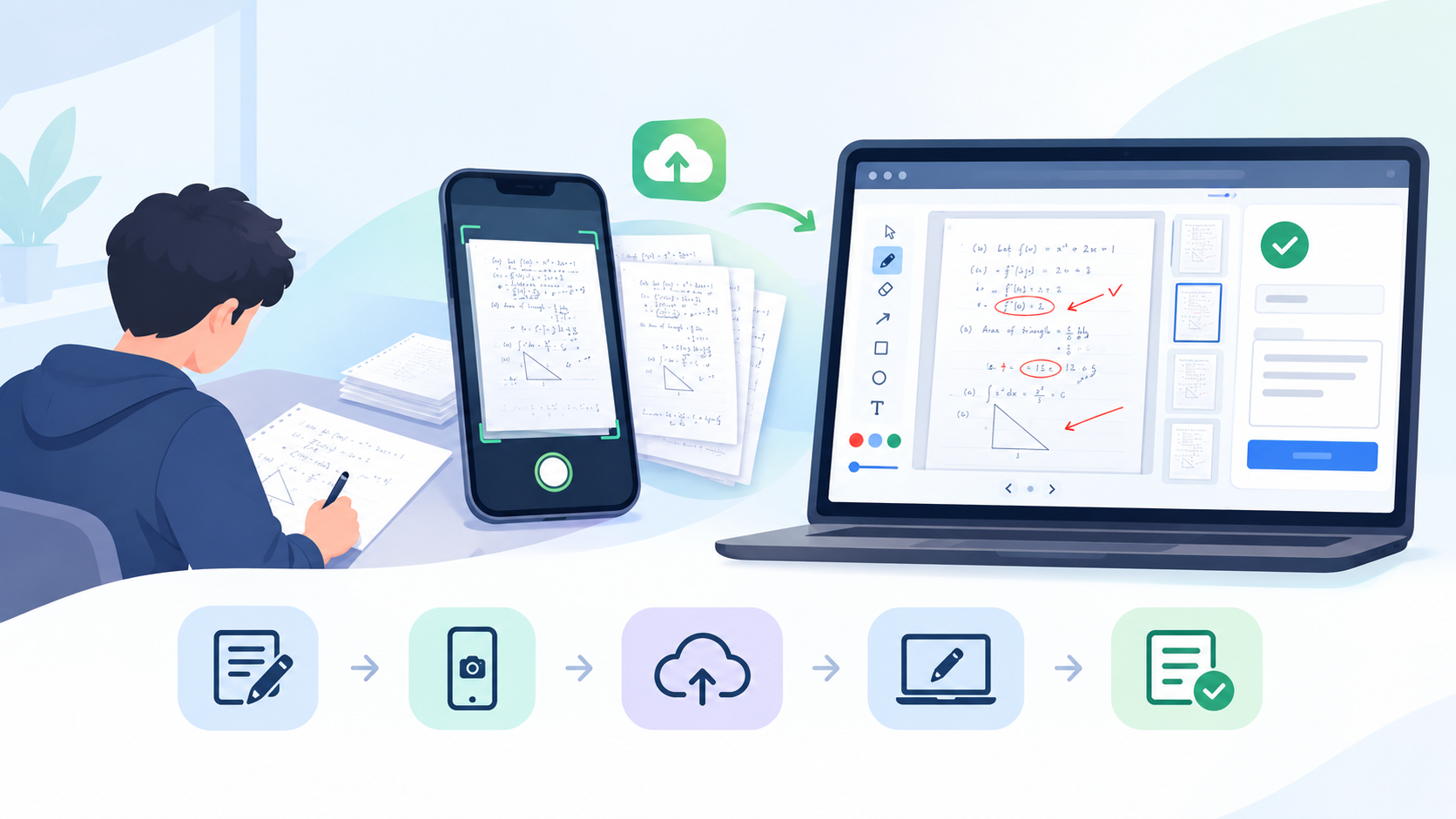
Course37 Introduces the Written Exam System: Pen-and-Paper Exams, Digitized
Course37 now supports pen-and-paper exams end-to-end: students write on paper and upload their answers, teachers grade on-screen with optional AI assistance, and results stay hidden until published.
Jahangir Hossain